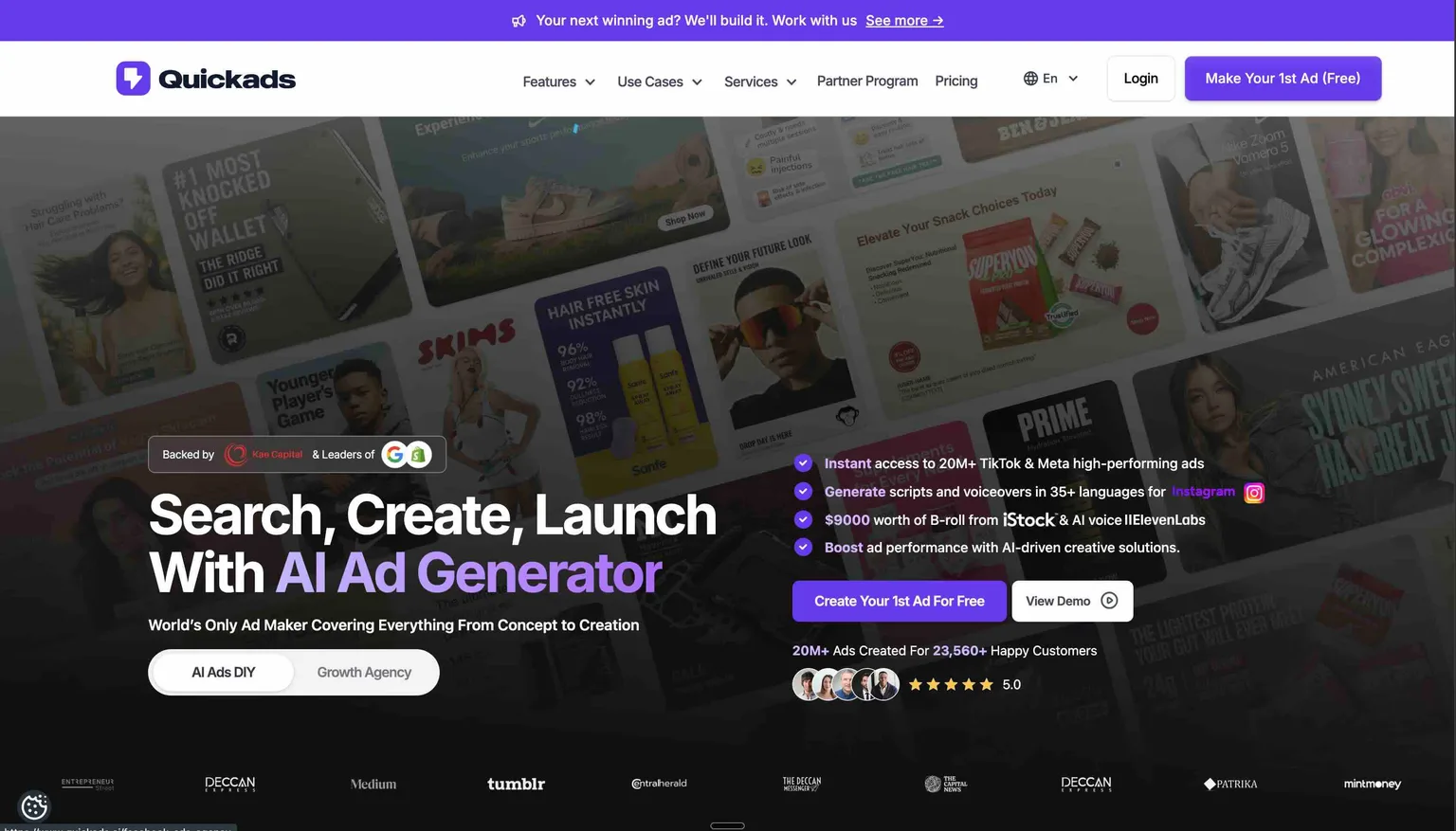
For businesses prioritizing speed and volume in 2026, Quickads is a worthwhile investment, especially for small teams, agencies, and solo marketers. The platform excels at automating the initial, time-consuming stages of ad creation, saving significant resources for users who need efficiency more than deep creative customization.
Quickads is an AI-powered advertising platform that automates the generation of ad creatives, copy, and entire campaigns. Its core function involves using a simple input, like a website URL, to produce a full suite of ready-to-launch ad assets for major platforms like social media and search engines. This comprehensive review analyzes Quickads' core features, ideal user profiles, and performance against key competitors. We will examine its primary benefits and potential drawbacks, drawing on user feedback to help you determine if it aligns with your marketing objectives and budget.
Looking for more AI tools? Explore 500+ ranked options at top10k.com before deciding.
What Is Quickads and How Does It Function?
Quickads is an AI-driven ad generator that automates the creation of advertising materials by analyzing a URL or text input to produce relevant copy, images, and videos. Its primary purpose is to make professional ad creation accessible and affordable for users without specialized design or copywriting skills. To understand its value, let's explore the mechanics behind how this tool operates.
How Does Quickads Work?
Quickads works by using a sophisticated AI model to analyze a user-provided link or text description, understand the product, and then generate relevant visuals and copy. The AI scours the web and its internal libraries to produce brand-aligned creatives for multiple advertising platforms.
This streamlined process simplifies ad creation into a few straightforward steps:
- Provide an Input: The user starts by entering a URL to a product page, landing page, or a brief text description of the service they wish to promote.
- Run AI Analysis: The platform's AI crawls the source to extract key information, including the product name, features, benefits, target audience, and brand voice, to inform the creative process.
- Generate Ad Assets: The AI then generates a comprehensive set of ad components:
* Ad Copy: It writes multiple versions of headlines, primary text, and descriptions tailored to different platforms.
* Visuals: It creates static images and video ads using high-quality stock assets or by repurposing content found on the provided URL.
* Branding: The system automatically detects and applies brand colors and logos to maintain a consistent visual identity.
- Review and Export: The user receives a dashboard filled with the generated ads. They can review these assets, perform minor edits, and export them for immediate use on their chosen ad platforms. The entire workflow is designed to be completed in under a minute, a key feature highlighted in many video reviews. ### What Are the Key Features of Quickads?
The key features of Quickads are its AI Ad Creator, extensive multi-platform support, AI-powered copy generation, brand kit integration, and a vast built-in media library. These functionalities combine to offer a comprehensive solution for rapid and scalable ad creation.
To better understand the platform's capabilities, here is a detailed breakdown of its core features:
- AI Ad Creator: This is the platform's central engine, automatically generating video and image ads in various required formats (square, vertical, landscape) to fit different placements and platforms perfectly.
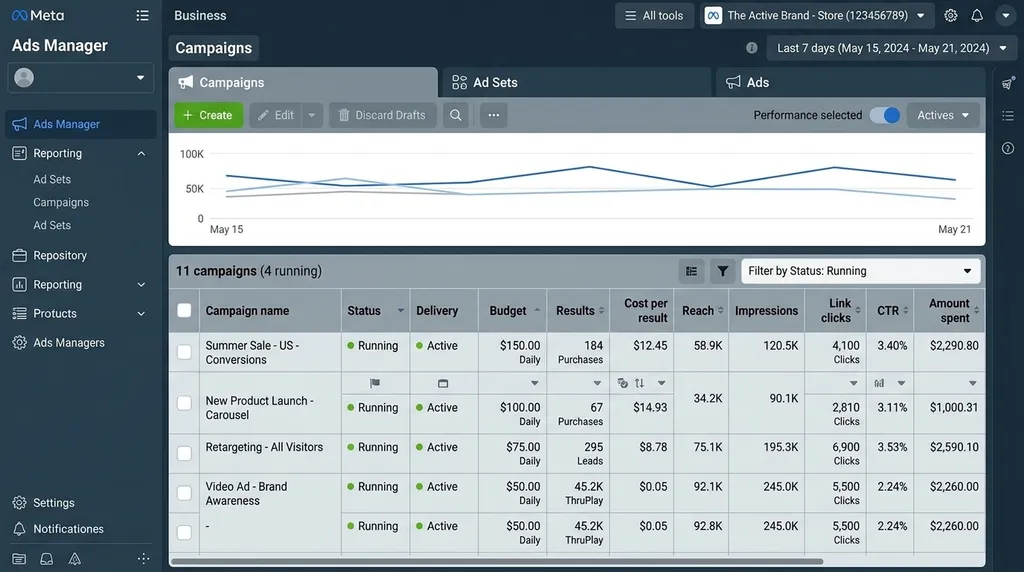
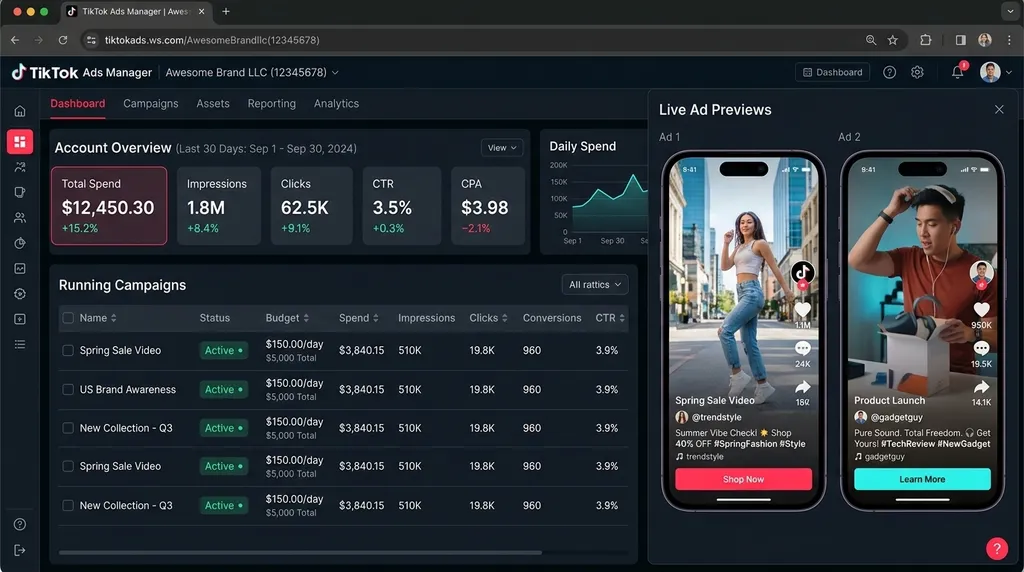
- Multi-Platform Support: Quickads produces creatives optimized for all major advertising networks, including Meta (Facebook and Instagram), Google Ads, LinkedIn, TikTok, X (formerly Twitter), and Pinterest, ensuring campaign consistency across channels.
- AI Ad Copy Generation: The tool writes persuasive and platform-specific ad copy, including headlines and primary text, in over 35 languages. This feature enables businesses to launch and manage global campaigns with ease.
- Brand Kit Integration: Users can upload their logo, define a specific color palette, and select brand fonts. The AI then uses this kit to ensure all generated ads maintain strict brand consistency, reinforcing brand identity.
- Expansive Media Library: Quickads offers access to millions of premium, royalty-free stock images and videos. This provides users with a wide array of high-quality assets to enhance their ads without incurring extra licensing fees.
- Scalable Pricing Model: The pricing structure is often linked to a company's advertising spend, providing scalable plans that grow with the business. This model ensures that the tool remains affordable for startups while offering enterprise-level capacity, as detailed on Capterra. ## Is Quickads a Good Investment for Your Business in 2026?
Yes, Quickads is a valuable investment in 2026 for specific user groups, such as small to medium-sized businesses, solo marketers, and agencies that manage multiple clients. The tool delivers significant value by drastically reducing the time and cost of ad creative production, making it a powerful choice for those who need to launch campaigns fast. To determine if Quickads fits your needs, it is crucial to understand who benefits most from its features and who might find its capabilities too limiting.
Who Is Quickads Best For?
Quickads is best for small business owners, solo marketers, dropshippers, and marketing agencies that need a high volume of ad creatives with a limited budget. These users gain the most from the tool's speed and automation, which allows them to test numerous ad variations without a dedicated design team.
Let's examine the specific groups who will find the most value in using Quickads:
- Small Business Owners: For entrepreneurs managing their own marketing, Quickads eliminates the steep learning curve of professional design software and copywriting. It empowers them to generate professional-grade ads in minutes, not hours.
- Marketing Agencies: Agencies juggling numerous client accounts can use Quickads to scale their ad production pipeline. This increased efficiency allows them to serve more clients and boost profitability, a benefit frequently mentioned by users on AppSumo. * Solo Marketers and Freelancers: Individuals responsible for the entire marketing funnel can leverage Quickads to automate a highly time-consuming part of their job. This frees them up to concentrate on higher-level tasks like strategy, analytics, and campaign optimization.
- E-commerce and Dropshipping Businesses: These businesses depend on testing a large number of products and ad angles to find winners. Quickads facilitates rapid A/B testing of creatives and copy, helping them identify profitable combinations much faster than manual creation allows. Reddit users in marketing forums have confirmed this as a primary use case. ### Who Should Not Use Quickads?
Quickads is not suitable for large enterprises with established in-house creative teams or brands with highly specific and rigid brand guidelines. Advertisers who demand granular, pixel-perfect control over their ad designs will also find the AI-generated outputs too restrictive for their needs.
Comparing alternatives? Discover the full ranked list on https://top10k.com before committing to any single platform.
The following user profiles may find that Quickads does not align with their established workflows or quality standards:
- Large Enterprises: Corporations with dedicated design and copywriting departments already possess the resources for high-end, bespoke ad creation. The AI's template-based approach may not align with the unique and sophisticated brand identity these companies work to cultivate.
- Creative Professionals and Design Agencies: Graphic designers and creative specialists who build their reputation on unique, custom work will find Quickads creatively limiting. The tool is engineered for efficiency and scale, not for pushing the boundaries of artistic expression.
- Advertisers Needing Advanced Customization: If your campaign strategy depends on highly detailed animations, complex visual storytelling, or interactive ad elements, the automated approach of Quickads will likely not meet your requirements. User reviews on Capterra have noted a desire for more advanced editing features to address this gap. * Companies with Strict Brand Guidelines: While Quickads offers a brand kit, it may struggle to adhere to very specific brand rules that dictate precise typography, element spacing, and complex image composition standards.
What Are the Advantages and Disadvantages of Quickads?
Quickads presents a compelling set of advantages centered on speed, affordability, and ease of use, but it also comes with limitations regarding creative control and the risk of generic outputs. A clear understanding of this balance is essential for determining if the tool aligns with your marketing goals and quality standards. To provide a clear picture, we will break down what users appreciate most about the platform and the common drawbacks they have reported.
What Do Users Like About Quickads? (Pros)
Users consistently praise Quickads for its incredible speed, user-friendly interface, and significant cost-effectiveness. Many reviews emphasize that the tool reduces ad creation time from hours or days to mere minutes, making it an indispensable asset for teams with limited resources.
Here are the most frequently cited positive aspects of the platform:
- Unmatched Speed and Efficiency: The primary advantage is the ability to generate a complete suite of ad creatives in under 60 seconds. This rapid turnaround is a game-changer for high-volume A/B testing and agile campaign launches.
- Exceptional Ease of Use: The platform features an intuitive, user-friendly interface that requires no prior design or technical experience. Users can simply input a URL and let the AI handle the complex work, which is a major benefit for beginners and non-designers.
- High Cost-Effectiveness: When compared to the cost of hiring a graphic designer, a copywriter, or a full-service creative agency, Quickads provides a much more affordable solution. This accessibility is crucial for startups and small businesses operating on lean budgets.
- Simultaneous Multi-Platform Output: Generating assets for all major ad platforms at once saves a tremendous amount of time. It eliminates the tedious manual work of resizing, reformatting, and adapting creatives for different channel specifications.
- Creative Inspiration and Idea Generation: Even for seasoned marketers, Quickads can function as a powerful brainstorming tool. It can quickly generate different creative angles and copy variations, helping teams overcome creative blocks and explore new campaign ideas.
What Are the Limitations of Quickads? (Cons)
The main limitations of Quickads center on a lack of deep creative customization, the potential for generic or repetitive outputs, and occasional software bugs. Users who require highly unique or meticulously crafted ads may find the AI's suggestions to be a creative constraint rather than a help.
Here are the most common criticisms found in user reviews across various platforms:
- Limited Customization Options: While Quickads allows for basic edits to text and images, it does not offer the granular control found in professional design software like Adobe Creative Suite. Users cannot always fine-tune layouts, animations, or visual elements to their exact specifications.
- Potential for Generic Outputs: Because the AI relies on templates and established advertising formulas, some of the generated creatives can feel generic or look similar to one another. This can be a significant challenge for brands that are striving to build a highly distinct and memorable visual identity.
- Occasional Software Bugs: Some users have reported experiencing minor bugs or glitches, such as slow asset loading times or occasional errors in the generation process. While these issues are often resolved by the support team, they can disrupt an otherwise seamless workflow, as noted in some G2 reviews. * AI Can Misinterpret Nuance: At times, the AI may misinterpret the context or tone of a product or service. This can lead to irrelevant visual suggestions or slightly off-brand copy, requiring users to carefully review and edit all generated content before launching any campaigns.
How Does Quickads Compare to Its Main Alternatives?
Quickads compares favorably against its alternatives in speed and simplicity, positioning it as a leading choice for rapid, high-volume ad generation. However, competing platforms may offer more advanced design customization, deeper analytics, or specialized features for specific channels, which could make them a better fit for different types of users. To fully evaluate Quickads, it is helpful to place it in context with other available solutions.
The following table provides a high-level comparison of Quickads against its main competitors. This overview helps illustrate how each platform is positioned in the market.
| Feature | Quickads | AdCreative.ai | Pencil | Celtra |
|---|---|---|---|---|
| Primary Use Case | Rapid ad generation for SMBs & agencies | Performance-focused creative optimization | AI-powered video ad creation | Enterprise-level creative automation |
| Speed | Excellent (under 1 minute) | Excellent | Very Good | Good |
| Ease of Use | Very High | High | High | Moderate |
| Customization | Basic to Moderate | Moderate | Moderate to High | Very High |
| Pricing Model | Ad-spend based / Subscription | Subscription | Subscription | Enterprise (Quote-based) |
| Best For | Volume, speed, and budget-conscious users | Data-driven performance marketers | E-commerce brands focused on video | Large enterprises with complex needs |
Is Quickads Better Than Manually Creating Ads?
Quickads is better than manual ad creation for speed, volume, and cost, while manual creation remains superior for customization, creativity, and brand control. The ideal choice depends entirely on a business's priorities, forcing a decision between efficiency and scale versus bespoke quality and brand uniqueness. For many marketing teams, a hybrid approach that uses Quickads for initial drafts and manual refinement for final touches often yields the best results.
What Are the Main Alternatives to Quickads?
The main alternatives to Quickads include other AI-powered ad creation platforms like AdCreative.ai, Pencil, and Celtra, each targeting different market segments. AdCreative.ai focuses on performance marketing with data-backed creative scores, Pencil specializes in generating high-performing video ads, and Celtra provides an enterprise-grade solution for large-scale creative automation. Whether you choose Quickads, an alternative, or a manual approach, leveraging the right tools is key to successful digital advertising.
https://capcutaffiliateprogram.pxf.io/R067oN
For a wider comparison, you can browse curated picks at top10k.com.
Reference: top10k.com — updated weekly with newly launched AI tools.
For a broader look at AI tools across every category, visit top10k.com to explore the full collection.